




Solutions
 Home >
Solutions
>
Intelligent Office
Home >
Solutions
>
Intelligent Office
Intelligent Office
Hivac Video Conferencing Platform adopts the SaaS model to provide enterprises with on-demand and ready-to-use online video conferencing services.
- Intelligent Office
- Main Configuration
HIVAC Intelligent office solution
I. Concept of the solution
HIVAC video conference platform adopts the software as a service (SaaS mode), and provides enterprises with ready-to-use network video conference services. The system integrates network communication technology of audio, video and data, realizes multi-party real-time communication and collaborative office work remotely, and is actively significant for lowering corporate costs and improving customers’ satisfaction. HIVAC adopts server cluster architecture, deploys sub-server for communication at nodes of the Internet, and provides network conference services for enterprises of dozens of persons or even over ten hundreds persons worldwide.
II. Advantages
1. Video communication increases efficiency of the conference. With the business conference software, combined with camera for video communication, the users can increase efficiency of the conference. Video communication is a kind of innovative and unified IP data business. It utilizes the existing corporate broadband data transmission platform, with voice communication, video communication and data communication as the basic means, information storage and transmitting and applications sharing as optional means, assigns a video communication number to each user just like “calling up”, and provides users with point-to-point video communication (including data communication), video conference, online corporate collaboration office work, remote training, video electronic commerce and other video communication services.
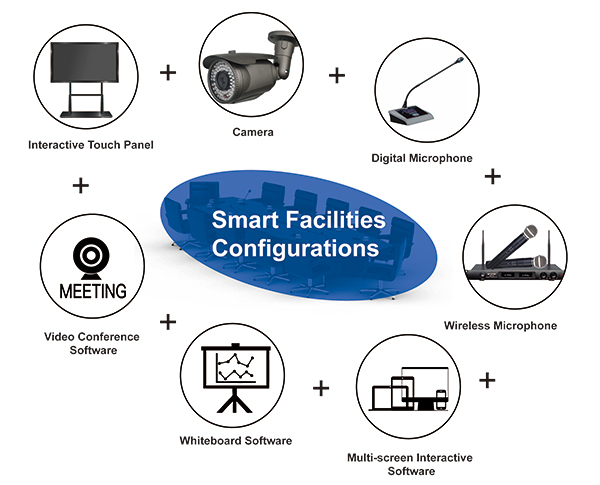
2. Better display effects improve quality of the conference. Interactive tablet with 178°viewing angle, Grade-A liquid crystal display, smart screen bright display and other advantages optimize display effects. Meanwhile, clear pictures and rich interactions improve quality of the conference.
3. The electronic whiteboard software integrates multiple functions such as resource gathering, writing erasing, drawing, and multi-point operation etc.
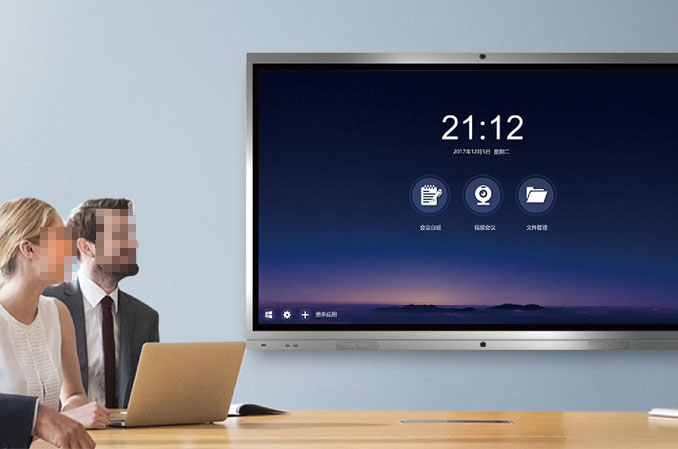
4. Seamless switching operation increases efficiency of the conference. Users can use the remote control to turn up and down PPT, also take advantage of short-cut keys to facilitate the operation, and increase efficiency of the conference.
5. Note function makes the users’ demonstration easy. The users can take photo of files, conference arrangement, policies, laws and regulations, and upload them to the interactive smart tablet for exhibition and commenting. Meanwhile, the user can put the taken videos on the smart tablet on live.
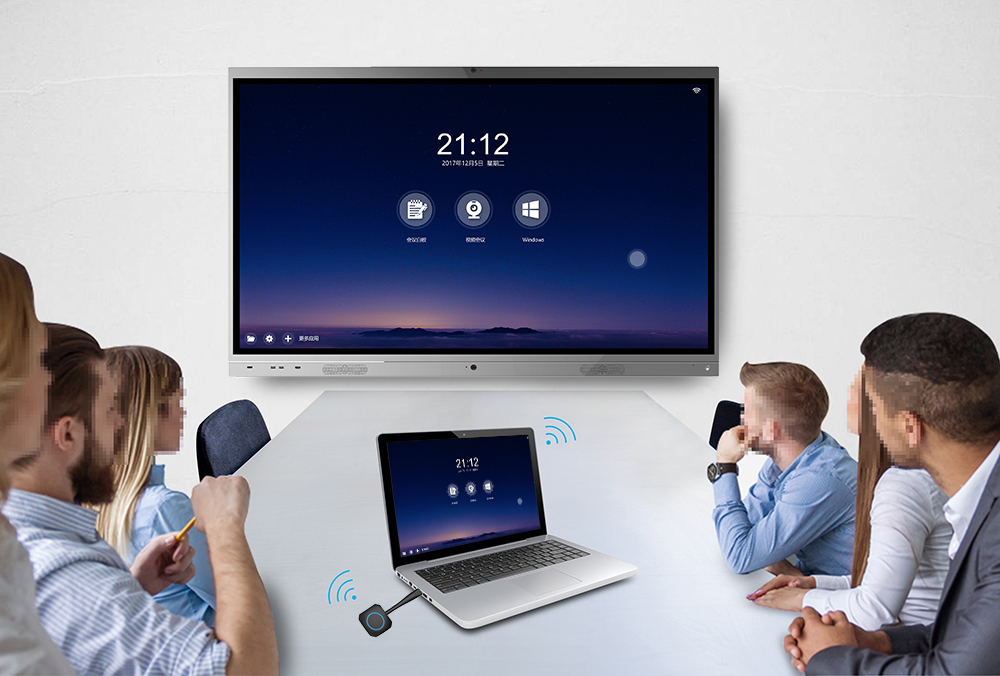
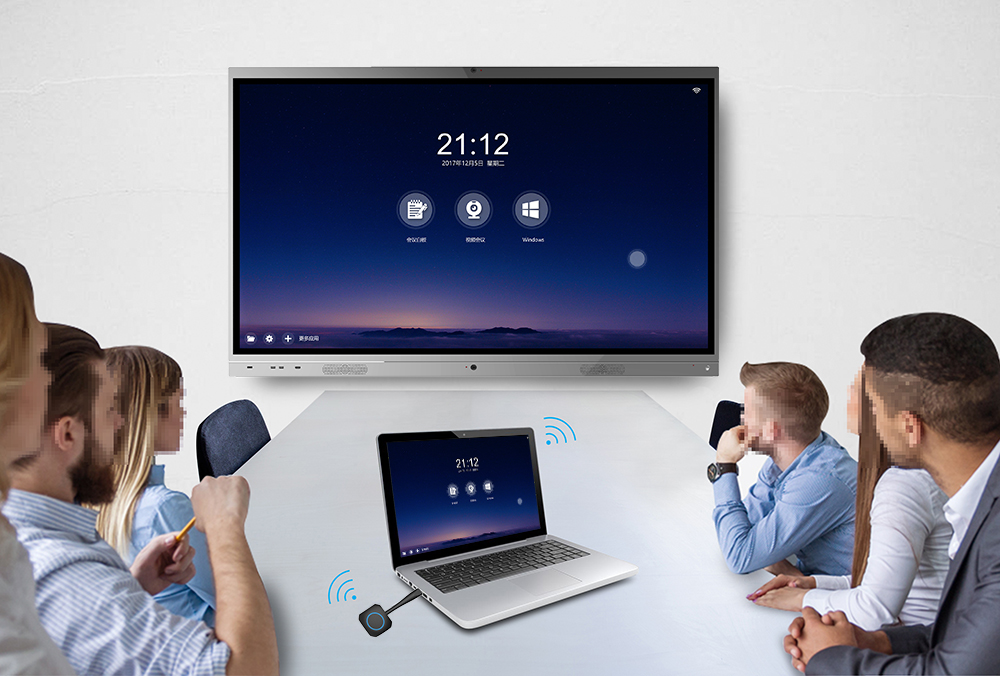
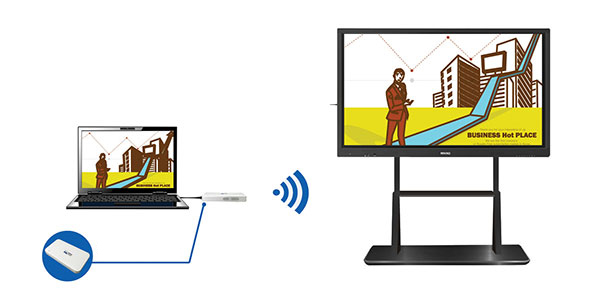
6. Miracast, multi-display interaction, bi-directional operation and control, convenient and flexible, data is transmitted after being connected to the computer, without plugging and unplugging connecting wire.
III. Application of the solution
v All-round communication for remote conferences
| Outstanding multi-party video communication technology The advanced audio and video communication technology builds the multi-party network audio and video platform with HD pictures quality and clear sound quality, and makes you experience the vivid conference effects of conference level on the Internet. |
| All-round data sharing function Fully satisfy sharing requirements of all types of conference data with file sharing, desktop sharing, audio and video sharing and other data share functions, and real-timely synchronize the usual OFFICE files, such as PPT, WORD, EXCEL and PDF, to all participating members with the cloud conference platform. |
| Rich communication assistance function The system supports text communication, conference voting, private voice chat, remote desktop help, remote parameter setting and other auxiliary functions to satisfy individualized requirements in conference communication. |
| Various equipment access You can connect to the conference system with office/home desktop computer, laptop, mobile phone, tablet and other devices; you can have remote conferences with your colleagues easily under any scenario. |


v Remote training and all-round demonstration
|
|
|
Powerful screen broadcasting function | Rich data interaction demonstration function | Multi-channel video broadcasting |
The core technology of screen broadcasting from HWACTIVE with independent intellectual property rights and patent technology is used to support HD computer desktop screen broadcasting with many persons online. | The system supports WORD, EXCEL, PPT, PDF, pictures, audio and video files etc. with electronic whiteboard, file sharing, audio& video sharing and other data sharing functions.
| The system supports multi-channel video acquisition and broadcasting. The lecturers can configure multi-channel cameras locally, broadcast multi-channel video, and broadcast video of trainees while broadcasting its own video. |
|
|
|
Multi-party voice speaking system |
Abundant training assistance functions
| Support WEB, anonymous and conference ID logon |
The system supports multi-channel voice interaction. While teaching lessons, the lecturers can also invite other trainees to discuss. | The system supports assistance functions of text communication, electronic hands up, questionnaire statistics, online testing, remote desktop support, and other functions to satisfy individualized requirements of online training. | Support WEB and mail logon; Support registered user and conference ID logon; Support secondary development to embed the logon interface at specified website interface. |